Appearance
Dark mode. Light mode.
Your call.
Most meditation happens at the edges of the day. The app shouldn't blind you at 11pm.
Start meditating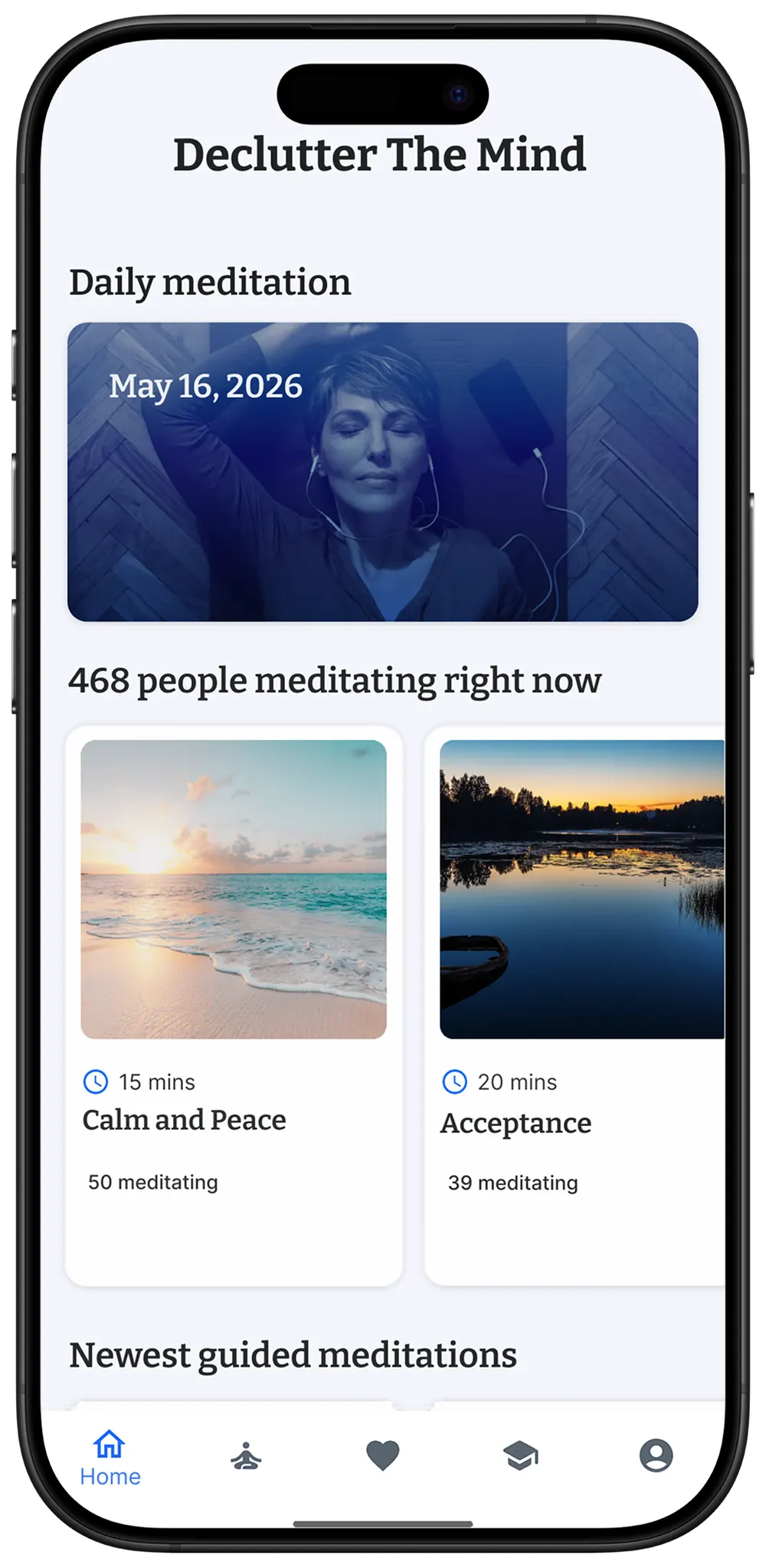
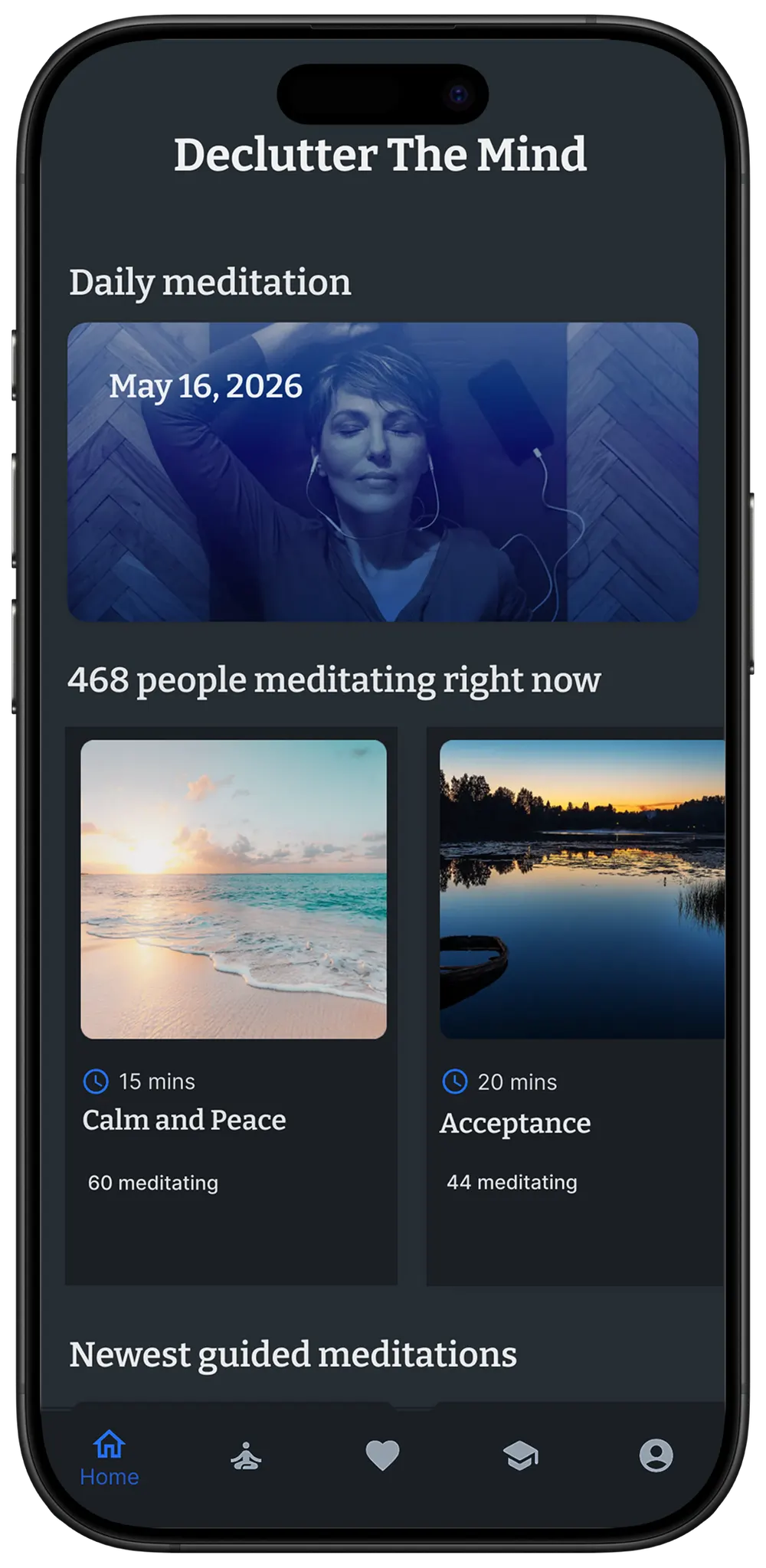
Brightness matters at the edges of the day
Most people who meditate consistently do it first thing in the morning or last thing at night. Both ends of the day are when a bright white screen feels worst. In the morning, before your eyes have adjusted. At night, when a bright phone screen can push back the moment you actually fall asleep.
Dark mode is the small comfort thing that makes the app feel right at those moments. Light mode is the default for the rest of the day. Neither one is the "correct" one. Pick whichever you'd rather look at, or let your phone decide.
How it works
One tap to switch
Open Settings, tap Appearance, pick Light, Dark, or System. The change is instant. No restart.
Follows your system setting
If you'd rather not think about it, leave it on System. The app flips when your phone flips. Usually at sunset and sunrise, depending on your OS settings.
Stays consistent across surfaces
Your choice persists across devices. If you switch to dark mode on your phone, the next time you open the app on the web it's dark there too.
It's a setting, not a feature gate
Dark mode is free. There is no Plus version of dark mode. We mention this only because some apps charge for theme settings, and we want to be clear that we don't. Open Settings, pick a theme, done.